
Skip to Content

Pen tablet refurbished Wacom Bamboo for handwriting and drawing

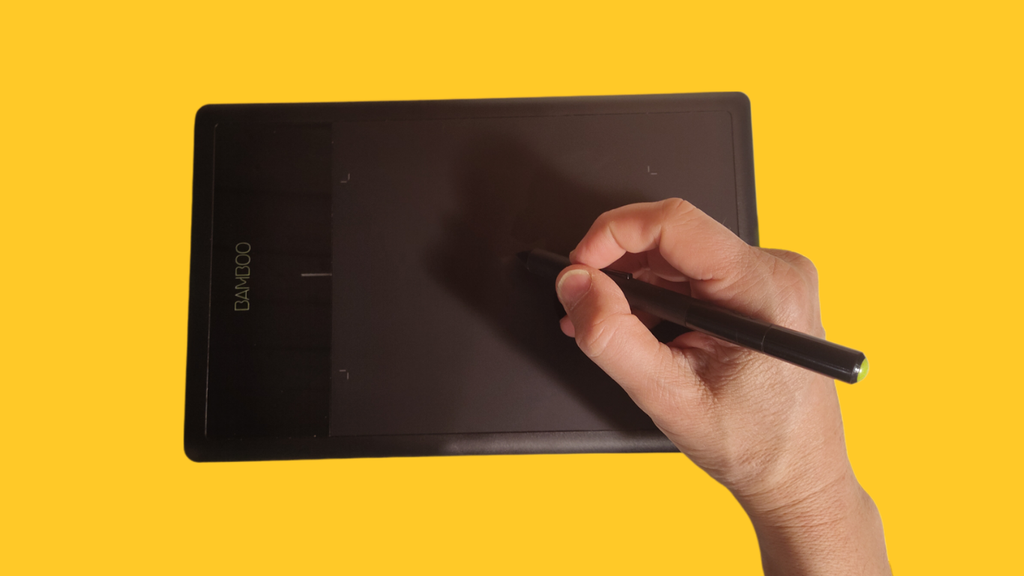
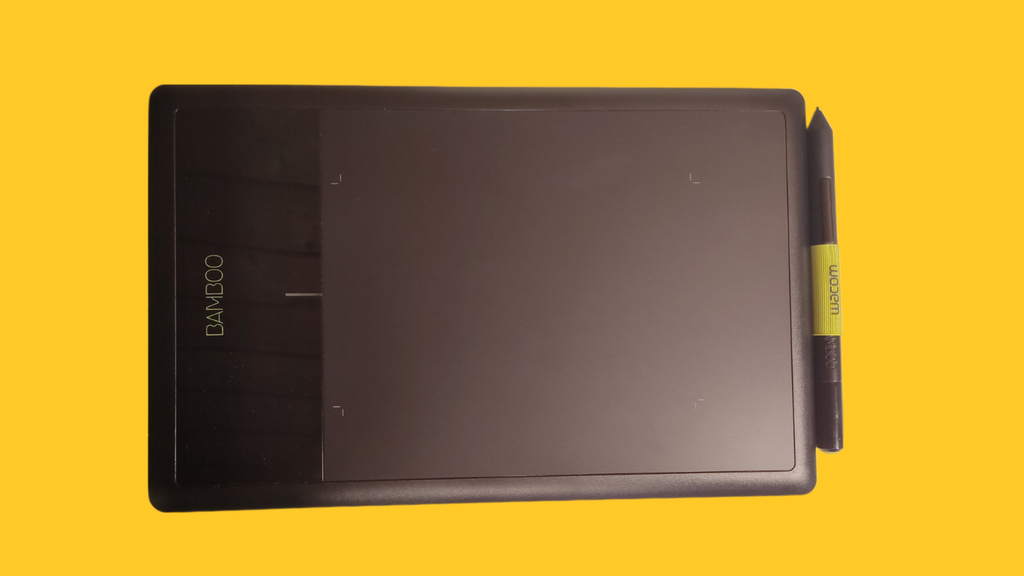
The CTL-470/K is a simple but effective graphics tablet for getting started with digital drawing and for handwritten notes, annotations and signatures in documents.

It connects to the refurbished iMac by cable and can be used immediately without installing drivers.
It has 1024 pressure levels and offers a natural writing feel.
Suitable for drawing and photo editing with the open-source program Gimp and many others.
The pen tablets work perfectly and are supplied with pen, connection cable and spare nibs. They show light signs of use.
“I started using Wacom pen tablets many years ago and would never do without them again. They let me sign documents, make sketches and jot down quick notes on any computer. And… years ago… I even used one for gaming, because you could steer your spaceship very precisely with it.” Roy, founder of edumental gmbh
CHF 19.90 CHF 19.90 CHF 24.90
  • Condition
General Terms and Conditions (T&Cs)
1-year warranty · 14-day right of return
Shipping by Swiss Post: 3–10 working days (Switzerland only)
CTL-470/K
Wacom
Graphics tablet with stylus
278 x 176 x 11 mm
140 x 90 mm
2,540 lpi (lines per inch)
1,024 pressure levels
16 mm
7 mm
USB Type A (PC side) / Micro Type B (tablet side)
395 g
Two programmable buttons, no battery or charger
Windows, macOS (compatible), Linux
Ambidextrous design, ideal for digital drawing and document editing

The device at a glance

1024 pressure levelsnatural writing feel
Active area140 × 90 mm
2540 lpiresolution
USB-A / Micro-USBcable included
395 g278 × 176 × 11 mm
Linux, macOS, Windowsready to use straight away on Zorin OS
In the box: tablet, pen with two buttons (no battery), connection cable and replacement nibs. On Zorin OS it works straight away without installing drivers. Works perfectly.

What is the device good for, and how good?

Handwriting & notes★★★★★Signatures, notes in PDFs (Xournal++) and whiteboards.
Drawing & painting★★★★★With Krita, a great introduction to digital drawing; the area is rather small.
Photo editing★★★★★GIMP and Krita: precise retouching with pressure levels.
Learning & school★★★★★Maths, sketches, labelling – ideal for home schooling.
Zorin computers★★★★★Plug & play on all our Zorin devices.
iPad★★★★★Not intended for iPads.

Good to know

  • Size: small active area (A6): ideal for handwriting and beginners, rather small for large illustrations.
  • No display: you draw on the tablet and look at the screen – this takes a bit of practice.
  • Compatibility: works with Zorin OS, macOS and Windows, not with iPads.

Who it’s ideal for, and who it isn’t

Ideal for
  • Pupils and students
  • Beginners in digital drawing
  • Handwritten notes and signatures
Not suitable for
  • Professional illustration
  • iPad users

View PDFDownload PDF

Specifications

Condition A