
Skip to Content

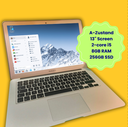
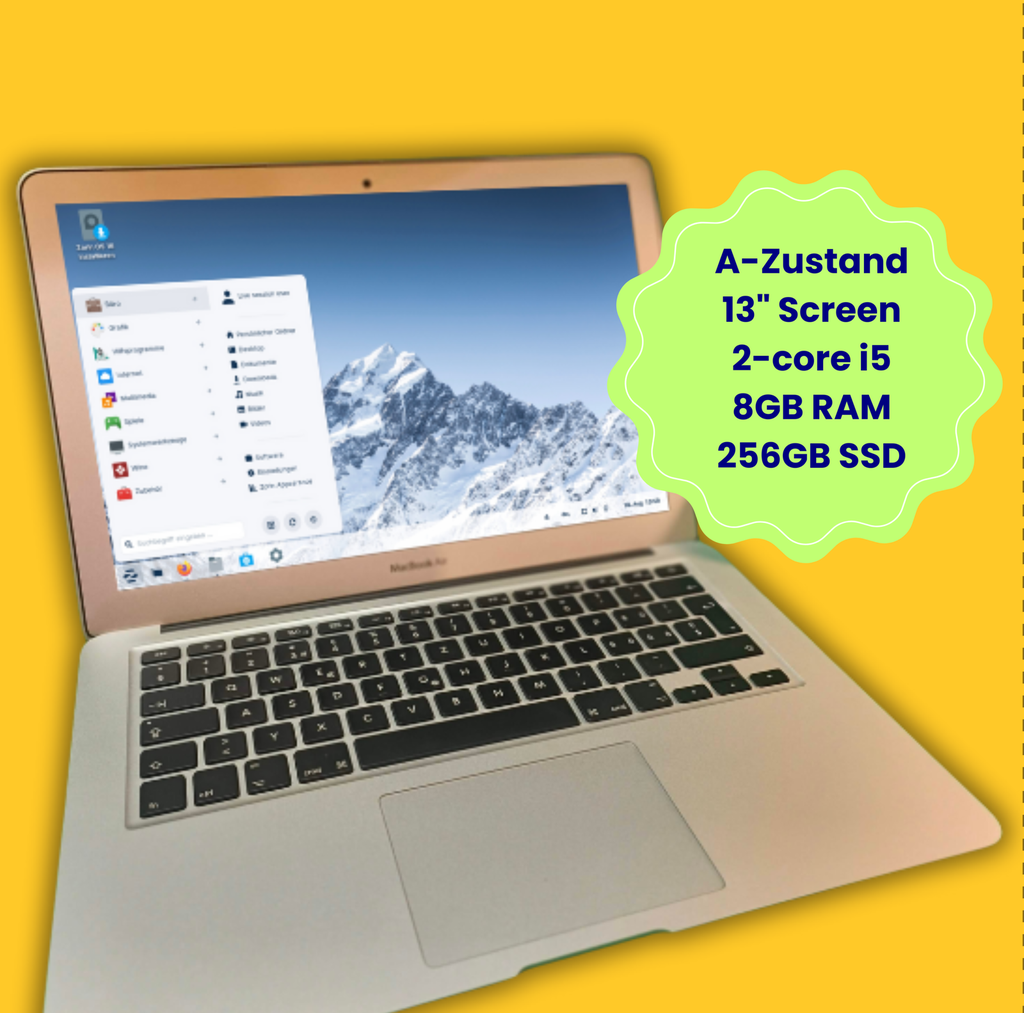
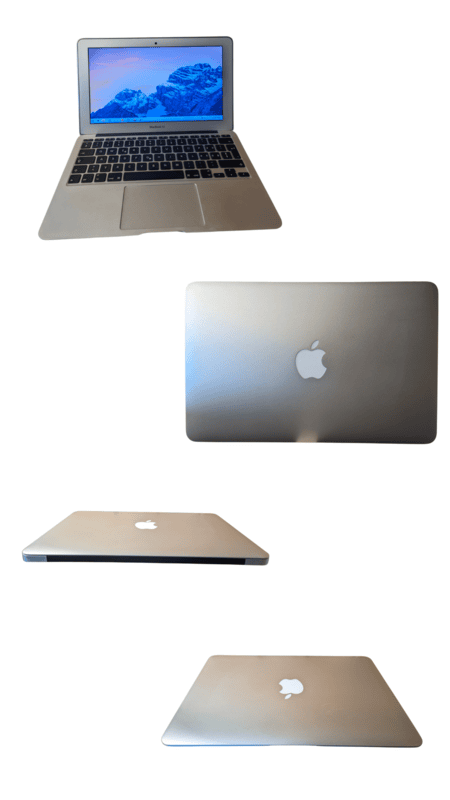
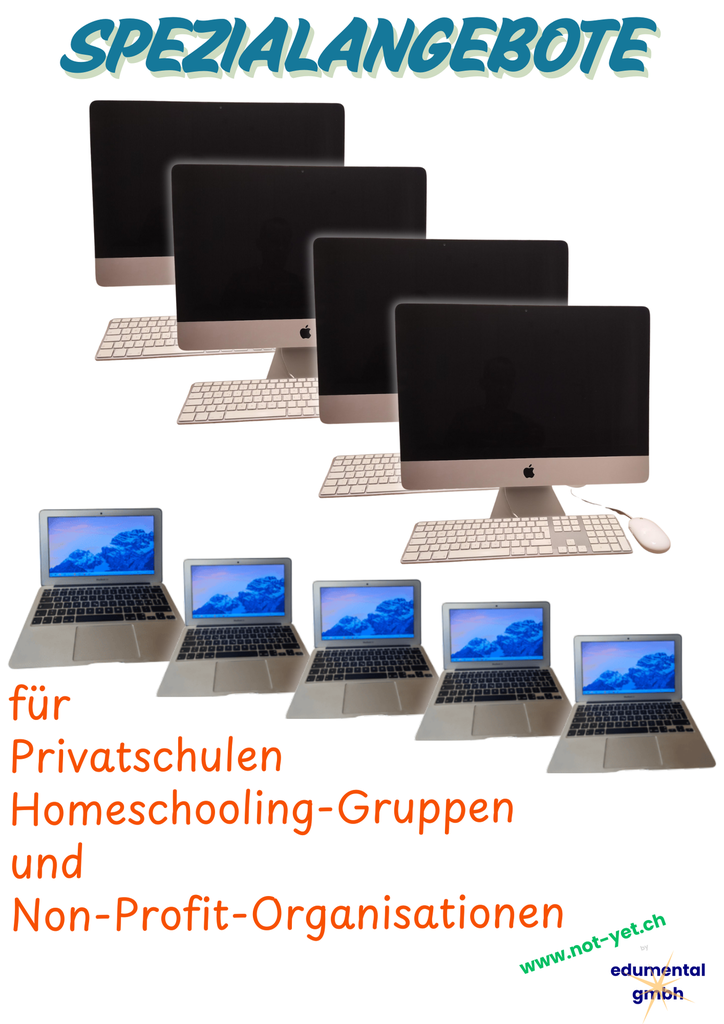
MacBook 13.3" refurbished Zorin OS Education (model 6,2) condition A 8GB 256GB

MacBook Air 6,2 refurbished

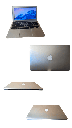
Condition A (barely visible signs of use)
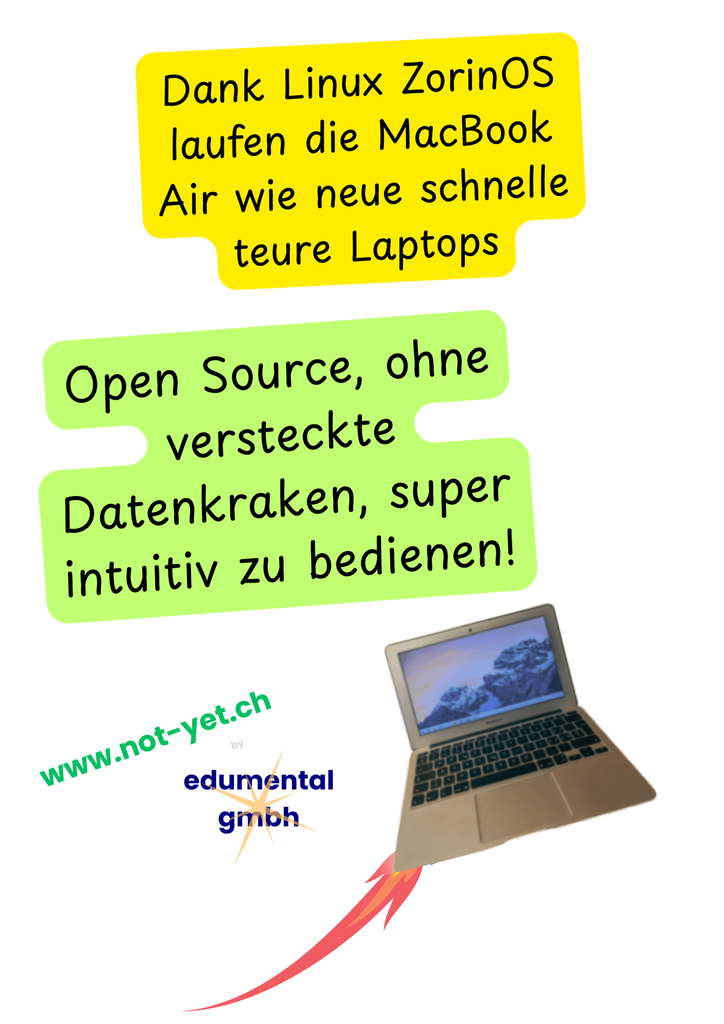
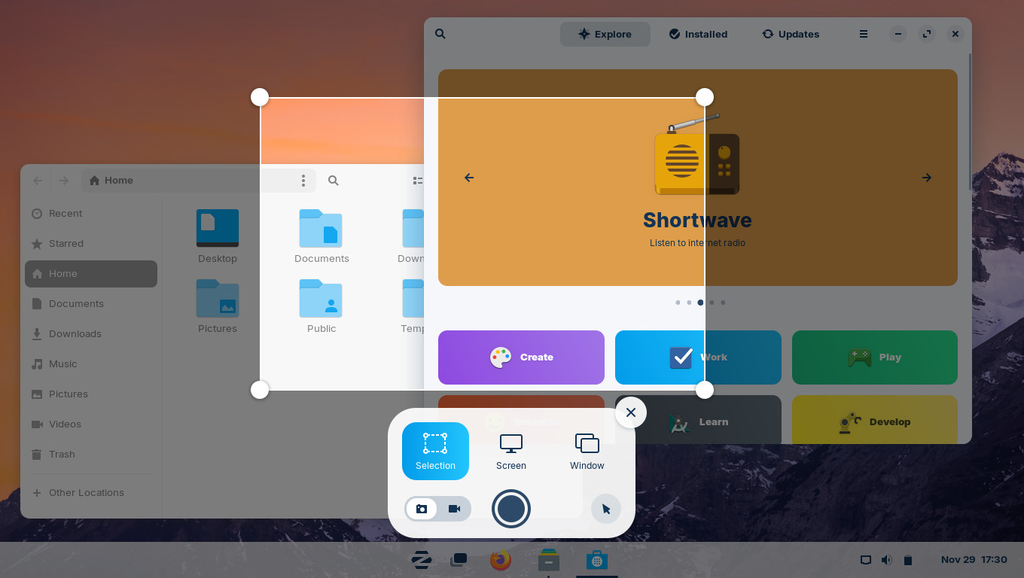
Equipped with Zorin OS 18 Education – perfect for homeschooling and digital learning
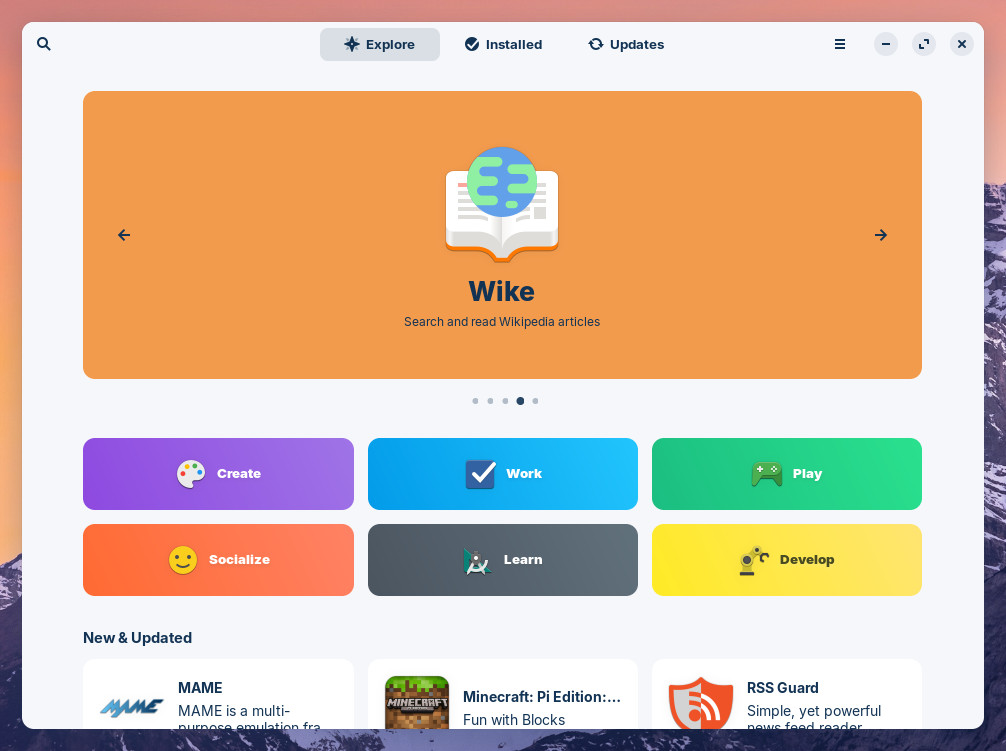
Zorin OS offers a seamless transition from Windows / macOS and comes with pre-installed learning software.
Zorin OS is based on Linux, is ad-free and much less vulnerable to viruses than Windows; additional antivirus software is usually not needed.
A sustainable investment in your children’s education.
CHF 219.00 CHF 219.00 CHF 249.00
  • Condition
General Terms and Conditions (T&Cs)
1-year warranty · 14-day right of return
Shipping by Swiss Post: 3–10 working days (Switzerland only)

Refurbished MacBook Air 6,2 – perfect for homeschooling and digital learning

The model 6,2 – the more affordable alternative to the model 7,2!

This carefully refurbished MacBook Air (model 6,2) comes with the user-friendly Zorin OS 18 Education – a secure and modern Linux operating system developed specifically for education.

  • Intel Core i5-4260U (1.40 GHz)
  • 8 GB RAM
  • 256 GB SSD
  • Intel HD Graphics 5000
  • Screen in perfect condition

Zorin OS offers a seamless transition from Windows / macOS and comes with pre-installed learning software.

Source: https://zorin.com/os/
Zorin OS is based on Linux, is ad-free and much less vulnerable to viruses than Windows; additional antivirus software is usually not needed.

Regular automatic updates ensure long-term security.

  • Word processing & presentations
  • Internet research & online learning
  • Basic image editing
  • Video streaming & online meetings

Condition: barely any signs of use, fully functional.

Ideal for families looking for a reliable, secure and affordable homeschooling device, or for a robust device for working or surfing the internet on the go.
Charger included.
A sustainable investment in your children’s education.

The device at a glance

Intel Core i5-4260U2 cores / 4 threads, 1.4 GHz (Turbo 2.7 GHz)
8 GB RAMsoldered, not upgradeable
256 GB SSDplenty of space for photos & music
13.3" display1440 × 900 · flawless
Intel HD Graphics 5000integrated graphics
Condition Ahardly any signs of use, battery ≥ 85 %
Year of manufacture: approx. 2014. System: Zorin OS 18 Education (Linux) – this makes the device run much faster and more securely than with the old macOS, and it continues to receive security updates. Pre-installed: Zoom, Brave, Telegram, Signal and more (removed free of charge on request). Battery: for us, condition A means at least 85 % capacity, often well over 90 %.

What is the device good for, and how good?

Internet, email, streaming★★★★★Browsing, email and streaming run well.
Office & school★★★★★OnlyOffice or LibreOffice, Microsoft 365 and Google Docs in the browser.
Images & art★★★★★Krita, GIMP, Pinta, Inkscape or Photopea, also with a Wacom tablet. Very large files slow things down.
Music / DAW★★★★★Audacity and LMMS work well, Ardour for smaller projects.
Video★★★★★Only short, simple clips with Shotcut.
3D printing & modelling★★★★★We recommend OrcaSlicer, Bambu Studio and Tinkercad without reservation. Only very large CAD models become sluggish.
Programming & learning★★★★★Python, Scratch, web and VS Code run; large projects are slow.
Retro & casual gaming★★★★★RetroArch, DOSBox, ScummVM, PPSSPP and older indie games from Steam and GOG are great fun.
Modern gaming★★★★★To be honest, the integrated graphics are not enough for current 3D games.
Video calls★★★★★Zoom is installed; Teams and Meet run in the browser. Camera and microphone work.

Good to know

  • Programs: Mac programs (e.g. iMovie, GarageBand) and the desktop versions of Adobe and Microsoft Office do not run. Use the web versions (Microsoft 365, Adobe Express, Photopea) or the free alternatives above.
  • Performance: dual-core processor with 8 GB RAM – good for office work, internet and learning, as well as creative work and retro games. Too weak for video editing and modern games.
  • Storage: 256 GB internal. System and security updates run quite normally on the internal SSD. Optionally, you can connect a modern external SSD for additional storage or backups; we can supply suitable drives on request.
  • Age: the device is over 10 years old but has been checked and refurbished. Individual parts may nevertheless fail at some point due to age.
  • Wi-Fi & camera: the drivers for Wi-Fi and the FaceTime camera are installed. If they are missing after a major system upgrade, you can reinstall them in a few steps using the guides on help.edumental.ch – our support is happy to help.
  • Keyboard: all keys work as labelled. The only Zorin peculiarity: the Super key (⌘) opens the start menu.
  • Wacom: Wacom tablets can be connected without any problems – ideal for handwriting, drawing and image editing.

Who it’s ideal for, and who it isn’t

Ideal for
  • Pupils and students, home schooling
  • Browsing, email and office work on the go
  • Small budget, secure second device
  • Beginners in 3D printing and retro gaming
Not suitable for
  • Video editing, 3D rendering
  • Current 3D games
  • Anyone who absolutely needs macOS programs, Adobe or MS Office desktop
  • Large music or photo projects

View PDFDownload PDF

Specifications

Condition A